Share the goal, files, deadline, and constraints.
Start with your project workspace
Request app development with the real scope visible first.
Start with the details that shape the work: users, budget, files, constraints, and the launch goal. That gives Kylescope enough context to recommend a quote, a PayPal-ready approval path, or a lighter AI tool path when a full build is not needed yet.
UsersAdmin + client
Core flowDashboard ready
Build pathPortal + actions
1Roles2Screens3Data4Launch
Payment path
Pay when the next commitment is obvious.
Use payment after the work has a clear scope, not before the project shape is understood.
Confirm what will be delivered and what is excluded.
Agree the amount, route, and approval point.
Use PayPal Checkout or the hosted card-supported fallback.
Review, approve, launch, and improve.
Service
App development for international teams that need cleaner systems, dashboards, and portals
Kylescope scopes and builds web apps, dashboards, portals, internal tools, marketplaces, and workflow systems for clients who need practical software that fits how the work actually happens.
Use this page to explain what you need built, confirm the expected outcome, and move into the right delivery path.
international app development servicesBusinesses firstRemote international deliveryRequest a premium app quote
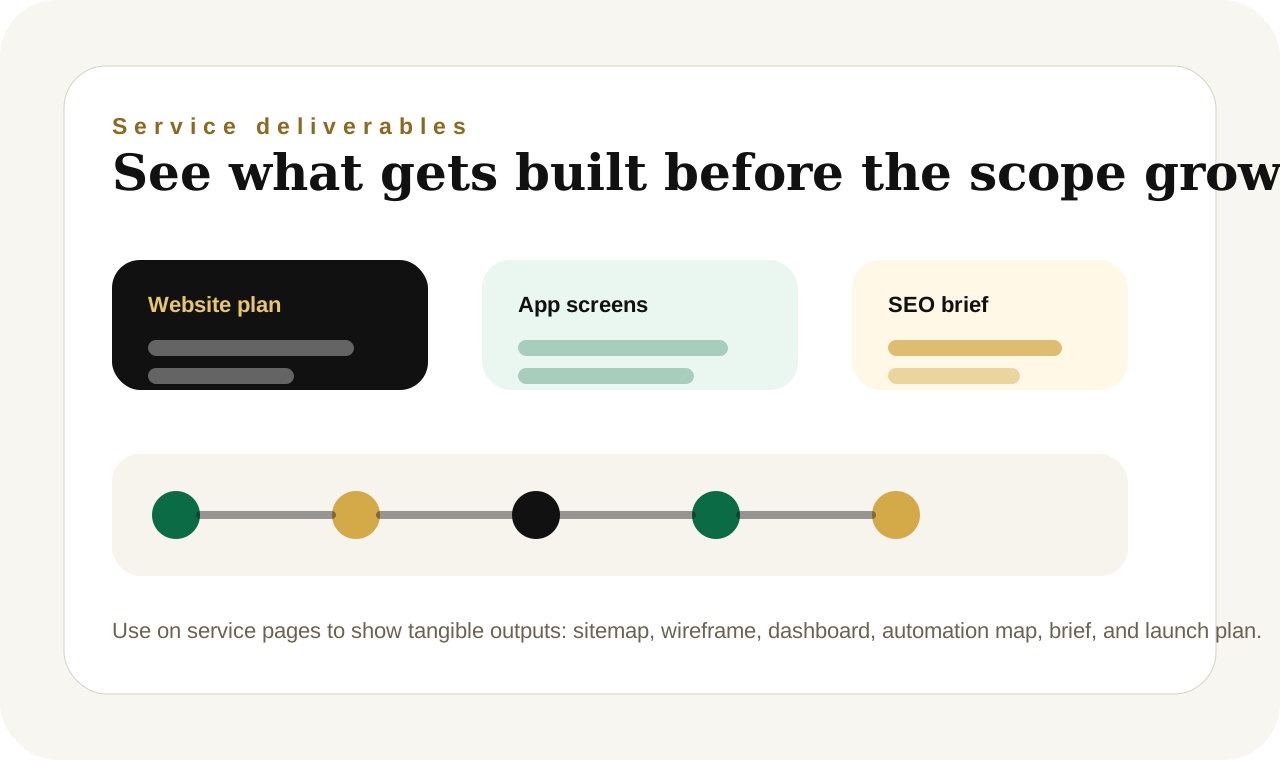
Delivery planning suite
App Development blends human delivery intelligence with structured AI-supported systems
Request web app, dashboard, portal, marketplace, and workflow software development with premium international scoping and card-supported PayPal Checkout readiness.
international app development servicesRemote international deliveryRequest a premium app quotePayPal Checkout and card-supported delivery
Service fit
App projects are best when a team needs structured software for workflows, dashboards, portals, marketplaces, or internal systems.
Implementation context
Use the request form when app development needs more than a generic agency pitch. The clearer the operating context, goals, files, and constraints, the easier it becomes to shape a premium international delivery path.
Next commercial step
Kylescope uses scoped quoting and PayPal Checkout approvals, including eligible credit and debit card options, so the service, workflow, and implementation path fit the business need instead of forcing a one-size-fits-all package.
App intent
Build the app around the workflow people actually use.
Share users, roles, core workflow, must-have features, data sources, integrations, budget, and deadline.
Dashboards, portals, admin tools, marketplaces, workflow apps, client workspaces, and custom software.
People, roles, records, approvals, data, and repeated actions need one clearer system.
Feature wishlists without a core user, workflow, data model, or first useful version.
Who logs in and what do they do?
Which records, roles, and states matter?
Ship the smallest useful system first.
Browse
Browse app development beside AI tools, automations, workflows, analytics, forms, and custom builds.
Use browse for exploration. Compare lanes, open the closest route, then switch to expert help when scope, delivery, or payment needs a human decision.
11 shown
Popular searches
Tool, automation, workflow, or service
Choose the lightest AI route that still solves the problem.
Use AI tools
Best for one contained task with a clear input and one useful output.
Reply, brief, summary, report, description, draft, or checklist.Paste a messy brief. Leave with a structured output you can save, export, or refine.Browse toolsUse writing services
Best when the output needs judgment, polish, strategy, review, or delivery ownership.
Writing, SEO, website delivery, app planning, research, or client-ready content.Send the problem and context. Leave with human-reviewed delivery and cleaner commercial positioning.Compare servicesUse AI analytics
Best when the next action depends on numbers, KPI reports, charts, or trends.
Traffic, revenue, campaigns, service quality, stock, operations, or user behavior.Upload or describe data. Leave with a summary, chart direction, and a clearer next decision.Open analyticsUse automations or workflows
Best when repeated work involves triggers, people, approvals, data, or systems.
Portals, dashboards, automations, workflow hubs, internal tools, and custom AI systems.Describe the process. Leave with a scoped automation, workflow, analytics, or custom build path.Get expert helpWhat you get
A clearer deliverable before the project becomes bigger than it needs to be.
Feature and user-role map
A lean product scope that names the users, workflows, permissions, core screens, records, and actions needed before code becomes expensive.
Workspace and dashboard plan
A practical interface direction for portals, admin panels, dashboards, request flows, approvals, reports, and saved workspaces.
Build sequence and risk notes
A phased implementation path that separates must-have functionality from later enhancements, integrations, payments, and automation layers.
Service fit
Built for remote clients who need clearer scope and execution confidence
International businesses need remote product delivery, premium scoping, stable admin systems, and clear rollout planning.
Operating context
Human-led structure matters when the request touches delivery, approvals, or quality risk
A Kylescope app project starts with the workflow, users, data, approvals, and business outcome before the interface becomes expensive. The goal is a leaner system that helps people do the work with less confusion.
Commercial path
Use the page to explain the need, then move into pricing or scoped delivery
A Kylescope app project starts with the workflow, users, data, approvals, and business outcome before the interface becomes expensive. The goal is a leaner system that helps people do the work with less confusion.
App Development delivery lanes
What app development should solve for an international buyer
Built around real operating workflows
App projects start with the people, roles, records, approvals, dashboards, and repeated actions the software needs to make easier.
Built for leaner product decisions
Kylescope separates must-have screens and data flows from later enhancements so the first build can solve the core problem without unnecessary complexity.
Built for AI and human delivery together
The app path can connect AI tools, admin dashboards, analytics, user workspaces, human review, and custom automations into one clearer system.
Why this app path is different
Practical product builds for real business operations
Workflow before features
The app path starts with the job the system must perform, then shapes screens, roles, data, and integrations around that reality.
Lean first build
Must-have functionality is separated from nice-to-have ideas so the first version can become useful without product drag.
Connected workspace logic
Apps can connect dashboards, saved outputs, approvals, user workspaces, analytics, AI tools, and human review where they improve the operation.
Client fit
International product fit
App projects are best when a team needs structured software for workflows, dashboards, portals, marketplaces, or internal systems.
App Development pricing and market fit
USD and card-supported payment path
Approved app builds can move through scoped USD approvals, PayPal Checkout, and eligible credit or debit card payment options where available.
App project flow
Scope features before writing expensive code
01
Name the operating problem
Start with the workflow, customer journey, dashboard need, or internal process the app must make easier.
02
Map users, roles, and data
Clarify who logs in, what they can do, which records exist, what needs approval, and what must be reported.
03
Scope the lean product
Choose the smallest useful feature set, required integrations, export needs, and launch path before code becomes expensive.
04
Build, test, and extend
Move through implementation, review, QA, release, and the next set of improvements once the core system proves useful.
Request guidance
What to share before requesting app development
Kylescope reviews app development requests faster when the business shares the real operating problem, desired outcome, files, budget range, and delivery target from the start.
Use the request form when app development needs more than a generic agency pitch. The clearer the operating context, goals, files, and constraints, the easier it becomes to shape a premium international delivery path.
Full nameBusiness emailCountryBusiness nameApp ideaPrimary usersUser rolesCore workflowMust-have featuresData sourcesIntegrationsDashboard needsBudget in USDDeadlineFile uploads
Service positioning
A Kylescope app project starts with the workflow, users, data, approvals, and business outcome before the interface becomes expensive. The goal is a leaner system that helps people do the work with less confusion.
Recommended next path
App Development
Request web app, dashboard, portal, marketplace, and workflow software development with premium international scoping and card-supported PayPal Checkout readiness.
FAQs
Questions people ask before requesting app development
Can Kylescope build dashboards and portals?
Yes. The app development path is suited for dashboards, client portals, admin systems, marketplaces, workflow hubs, and internal tools.
How does Kylescope scope an app project?
The process starts with users, roles, workflows, data, approvals, integrations, and success measures before defining the build sequence.
Can app projects connect to AI tools?
Yes. Kylescope can connect tool outputs, saved workspaces, analytics, human review, and automation paths where they support the app’s real job.
App Development support pages
Pages that strengthen the app development decision
AI Tools
Start with a self-serve output when the project needs a fast draft, brief, page outline, or planning artifact before human delivery.
Get Expert Help
Use Get Expert Help when the work needs files, scope, constraints, deadlines, budget context, and human implementation support.
Pricing
Review PayPal Checkout and card-supported commercial paths before approving a larger service or custom build.
Next step
Choose the cleanest next step before the work starts.
Kylescope uses scoped quoting and PayPal Checkout approvals, including eligible credit and debit card options, so the service, workflow, and implementation path fit the business need instead of forcing a one-size-fits-all package.