01
Trigger
New review received.
Start here
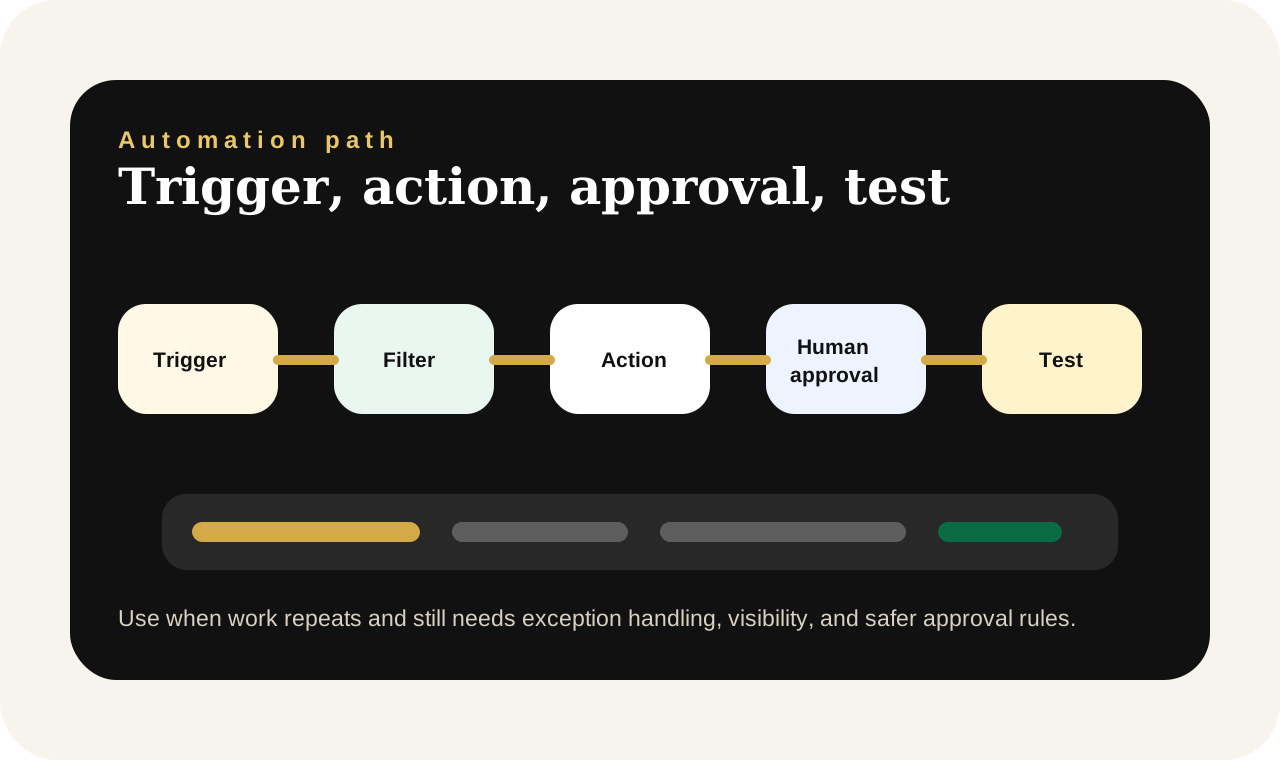
Start with the repeated task first. Name what triggers the work, what information is needed, what should happen next, and where a person must approve exceptions before anything goes live.
01
New review received.
02
Review text, Rating, Business type
03
Professional review reply.
04
User approves the reply before posting.
Payment route
Use the workspace or quote path first. Pay only when the output, subscription, deposit, or scoped delivery step is clear enough to approve.
Payment paths include direct PayPal Checkout where configured, a hosted PayPal fallback, and quote-first requests for custom builds. PayPal may support wallet payments plus eligible credit and debit cards.
Recommended UI model
No-code automation builder with connected steps, rule chips, and a test run panel.
Choose the lightest useful path
Best when the team still needs to agree on the steps, inputs, approvals, and exceptions.
Best when the repeated task is already clear and you need a safer trigger-action-approval path.
Best when this automation needs dashboards, accounts, integrations, reporting, or ongoing operational control.
Automation setup page
Reply to customer reviews professionally while protecting your brand tone and local search presence.
This page is built to help a business connect an operational bottleneck to a realistic automation path instead of treating automation like a vague promise.
Automation operations room
This automation path is designed to reduce repeated operational work while keeping the approvals, exception handling, and team visibility that real businesses still need.
Trigger
New review received.
Output
Professional review reply.
Human checkpoint
User approves the reply before posting.
Pain point
Businesses often ignore reviews or reply emotionally when the review is negative.
Best-fit lane
This route is strongest when reminders, confirmations, approvals, or updates are happening often enough that teams are relying on memory, screenshots, and manual follow-up.
Human checkpoint
User approves the reply before posting.
How the automation works
01
The workflow starts when a fresh positive, neutral, or negative review needs a reply.
02
The reply path changes depending on what happened, how serious it is, and what resolution the business can offer.
03
Approval helps protect brand tone and avoids accidental defensive or inaccurate language.
04
The final message should show accountability, professionalism, and a clearer next step for the customer if needed.
Human-centered overview
This workflow helps local businesses respond more consistently to customer reviews without sounding careless or defensive. It is especially useful when the business wants faster review handling but still needs a human to approve the tone before anything is posted publicly.
The goal is not just speed. It is calmer operations, clearer handoff, and fewer repeat mistakes in a live business environment.
Not yet when
If the business has not agreed on the process yet, start with a tool or workflow-design conversation first. Good automation should follow clarity, not replace it.
Professional review reply.
Thank you for the feedback. We are sorry the delivery arrived late and appreciate you raising it. Our team has reviewed the issue and we would be glad to help resolve it directly.
User approves the reply before posting.
Commercial model
Kylescope automation requests are scoped for international delivery, structured around business impact, and finalized through a PayPal Checkout quote with eligible card options after review.
Best-fit use cases
Setup request form
Share the business name, where the task happens, how often it happens, the current manual process, the desired automatic result, whether a human should still approve the message, and the budget or currency path.
The clearer the request is about trigger, approvals, exception handling, and business risk, the easier it becomes to scope an automation that feels dependable after launch.
FAQs
Yes. Negative-review handling is one of the strongest reasons to request this workflow.
No. The workflow is shaped around tone, business type, severity, and available resolution options.
Yes. The same structure can support directory reviews or customer feedback channels in other markets.
Related paths
Use the quick reply tool first when the need is a one-off complaint or review response.
Open the broader GBP path when review replies are only one part of the local visibility problem.
Best when review management should connect to profile support, service pages, and customer recovery workflows.